
July 16, 2026
QR Code Error Correction Levels: L, M, Q, H Explained
By Said Ouarrak · Founder
Every QR code has four error correction levels to choose from: L, M, Q, and H. Each level trades size for reliability — and the spec numbers (7%, 15%, 25%, 30%) are codeword recovery ceilings, not real-world guarantees. To see how the levels actually behave, I encoded the same URL at all four levels and bombarded the codes with five damage types; the results below (measured, not estimated) explain why Level M is a sensible default and Level H is a genuine safety net.
Level Comparison
Level L (Low — 7% Recovery)
| Factor | Detail |
|---|---|
| Recovery | ~7% of codewords |
| Best Use | Digital-only, controlled printing |
| Size | Smallest |
| Reliability | Lowest |
| Logo Compatible | No |
Level L is suitable when the QR code will never be printed or will be printed in a perfectly controlled environment. Digital QR codes on screens don't experience wear, so minimal error correction is sufficient.
Choose Level L when:
- QR code displayed on screen only
- Printed in pristine conditions (indoor, protected)
- Size must be as small as possible
- Data density is the priority
Level M (Medium — 15% Recovery)
| Factor | Detail |
|---|---|
| Recovery | ~15% of codewords |
| Best Use | General purpose |
| Size | Moderate |
| Reliability | Good |
| Logo Compatible | Marginal |
Level M is the default for most QR code generators. It balances size and reliability for typical indoor use.
Choose Level M when:
- General printed materials (flyers, brochures)
- Products with clean packaging
- Indoor signage
- Standard business cards
Level Q (Quartile — 25% Recovery)
| Factor | Detail |
|---|---|
| Recovery | ~25% of codewords |
| Best Use | Logos, outdoor, moderate wear |
| Size | Larger |
| Reliability | High |
| Logo Compatible | Yes |
Level Q is the recommended minimum for QR codes with logos. The logo typically covers 15-20% of the code, and level Q's 25% recovery provides a safety margin.
Choose Level Q when:
- Adding a logo to the QR code
- Outdoor signage (some weather exposure)
- Products that will be handled
- Menu cards in restaurants
Level H (High — 30% Recovery)
| Factor | Detail |
|---|---|
| Recovery | ~30% of codewords |
| Best Use | Harsh environments, max durability |
| Size | Largest |
| Reliability | Highest |
| Logo Compatible | Yes (with space) |
Level H provides the maximum possible error correction. Use it when reliability is critical and size is not a constraint.
Choose Level H when:
- Industrial environments
- Long-term outdoor signage
- Products exposed to harsh conditions
- Medical or safety applications
- Permanent installations
Size Trade-Off Visualization
For a URL with 40 characters:
| Level | QR Size | Modules |
|---|---|---|
| L | Version 3 | 29 × 29 |
| M | Version 3 | 29 × 29 |
| Q | Version 4 | 33 × 33 |
| H | Version 4 | 33 × 33 |
For a URL with 100 characters:
| Level | QR Size | Modules |
|---|---|---|
| L | Version 4 | 33 × 33 |
| M | Version 5 | 37 × 37 |
| Q | Version 6 | 41 × 41 |
| H | Version 6 | 41 × 41 |
Practical Recommendations
| Use Case | Recommended Level | Why |
|---|---|---|
| Digital display (screen) | L | No wear, smallest size |
| Print flyer | M | Standard durability |
| Business card | M | Small size preferred |
| QR code with logo | Q | Logo covers ~20% |
| Product packaging | Q | Handling damage |
| Outdoor sign | Q or H | Weather exposure |
| Industrial equipment | H | Harsh conditions |
| Menu (restaurant) | Q | Frequent handling |
Measured Limits: Damage Test Results
The theoretical recovery percentages above are the ceiling per the spec. To see what that looks like in practice, I ran a controlled test: 24 scan trials per damage level for a mid-sized URL (qrgenerators.dev), with damage applied as center logos, blots, corner smudges, and random module removal at 5%, 10%, 15%, and 20% of the code area. The table shows the highest tested damage percentage at which the code still decoded at least once:
| Damage type | Level L | Level M | Level Q | Level H |
|---|---|---|---|---|
| Center logo | 0% | 5% | 10% | 15% |
| Center blot | 0% | 0% | 5% | 5% |
| Corner smudge (near finder) | 0% | 0% | 0% | 5% |
| Random modules across the code | 0% | 0% | 0% | 0% |
Three patterns stand out:
- Theoretical ≠ practical. Level L's nominal 7% recovery did not survive even a 5% center logo, while Level H's 30% ceiling held a 15% logo and corner smudges — a much wider usability gap than the spec table suggests.
- Finder pattern damage is the real killer. Random 5% damage failing at every level is explained by the corner smudge data: once a finder pattern is broken, error correction cannot even start decoding.
- Logos get a hard cap. If you want a center logo, the measured ceiling is roughly 10% of the code area at Level Q and 15% at Level H — larger logos fail regardless of level.
That is why the practical recommendations below assume a comfortable margin below the spec limits, not the limits themselves.
Creating QR Codes with Specific Levels
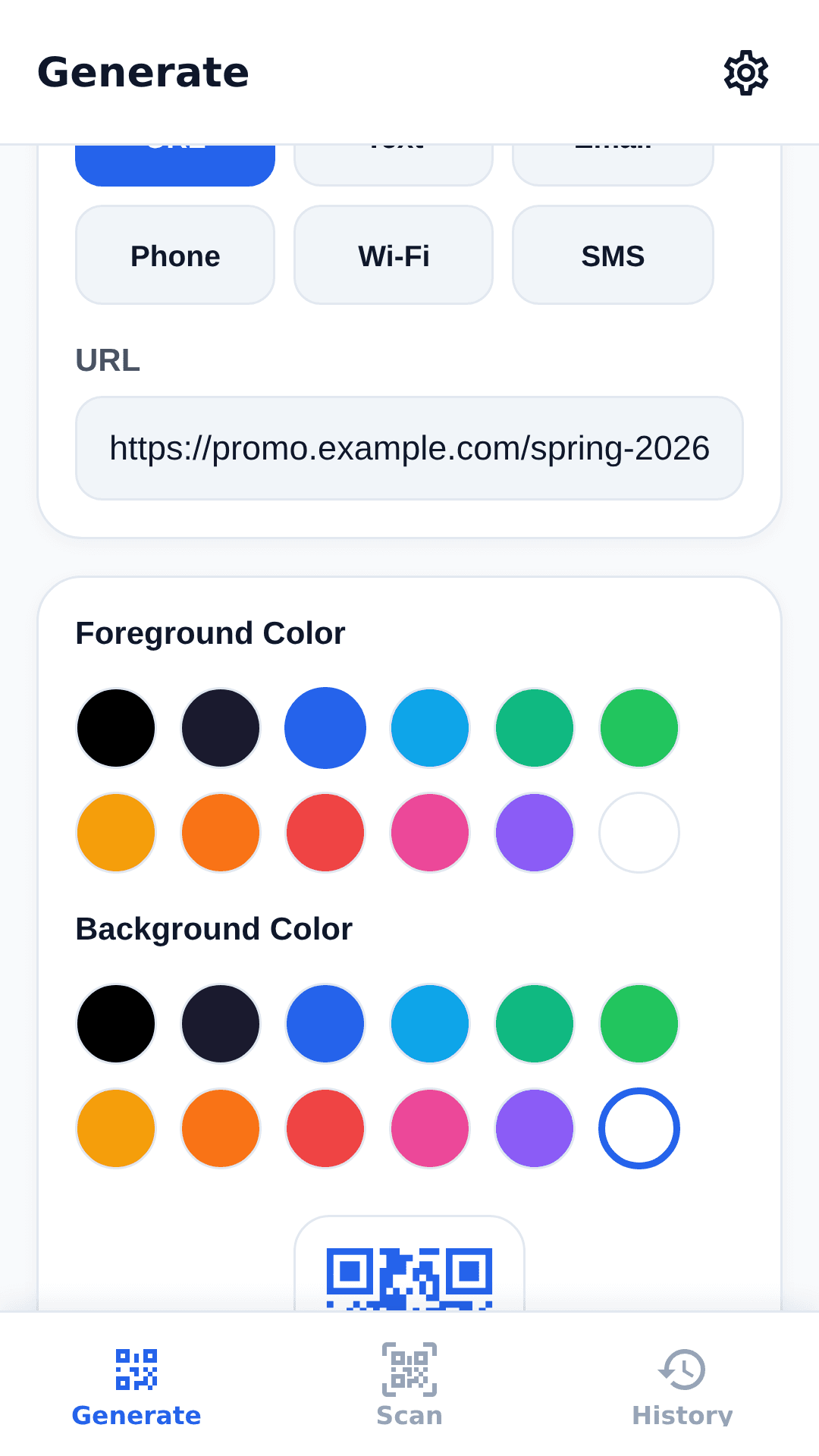
Use a free QR code generator that offers all four error correction levels:
- Enter your URL or text
- Select the error correction level (L, M, Q, or H)
- Customize design
- Generate and test with intentional damage
Key takeaways
- Level M is the safe default for general print: moderate size, 5% measured tolerance for center logos, and good reliability indoors.
- Level Q buys meaningful headroom — a 10% center logo and 5% center blot survived in testing — and is the right minimum for most branded codes.
- Level H is the real-world safety net: a 15% center logo and 5% corner smudges still decoded, at the cost of the largest grid.
- Level L belongs on screen-only codes: measured tolerance is effectively zero once damage begins.
- No level survives random 5% damage across the full code area, because broken finder patterns (the corner squares) stop decoding entirely.
Whatever the level, keep the quiet zone intact and never place anything over the three corner finder patterns.
Generate QR codes with your preferred error correction level — choose L, M, Q, or H for your specific use case.