Create custom QR codes for WiFi, URLs, text, and more — free and instant. Add your logo, pick brand colors, choose error correction, and download as PNG or SVG. No signup needed. 100% private — everything runs in your browser.
Enter data and click Generate
Generated locally in your browser — no data stored.
No subscriptions, no watermarks, no hidden limits. Generate unlimited QR codes for any purpose.
Change foreground and background colors to match your brand. Upload your logo — the tool adjusts error correction automatically.
Everything runs in your browser. Your data never touches our servers. No tracking, no storage, no signup.
Get high-resolution PNG for digital use or SVG for print. SVG scales to any size without losing quality.
Need a detailed walkthrough? Read our step-by-step guide to creating QR codes.
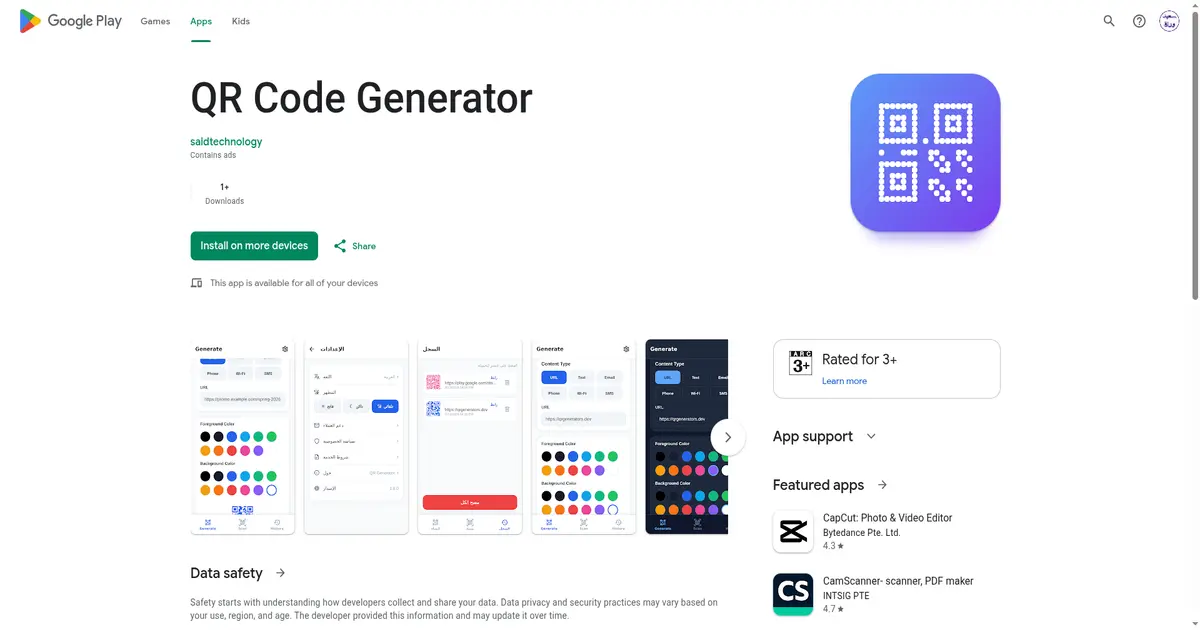
October 8, 2026
The QR Code Generator mobile app is now available on Google Play. Generate QR codes offline, scan with history, dark mode, and full privacy.
September 1, 2026
Decision guide for choosing between NFC and QR codes. Learn which technology is right for your specific use case, budget, and audience.
August 31, 2026
Compare QR codes and NFC tags for business cards. Learn which technology gets your contact information saved more often and why.
August 30, 2026
Learn how to check where a QR code leads before scanning. URL preview tools, safe scanning practices, and how to verify QR code destinations.
August 29, 2026
Learn how to use QR codes to grow your TikTok following. Create QR codes for your TikTok profile, hashtags, and specific videos.
August 28, 2026
Create a QR code security policy for your business. Employee training, inspection protocols, and best practices for safe QR code use.
You can generate QR codes for URLs, plain text, email addresses, phone numbers, WiFi network credentials, and SMS messages. Our free QR code generator supports all these content types.
Yes. Every QR code you generate is yours to use for any purpose, including commercial projects, marketing campaigns, and product packaging. No attribution required.
Select "WiFi" as the content type, enter your network name (SSID) and password in the format SSID:password, customize the design, and generate. Guests scan with their phone camera to connect instantly.
Yes, you can customize both foreground and background colors to match your brand identity. Use the color pickers in the generator to choose any color combination. For best scanning results, keep dark foreground on light background.
No. All QR code generation happens locally in your browser using JavaScript. Your data is never sent to our servers, and we do not track, store, or analyze the content you encode.
Static QR codes encode data directly and cannot be changed once generated. Dynamic QR codes use a short URL that redirects to your content — you can update the destination later and track scan statistics. Read our comparison guide.
Absolutely. A QR code for a restaurant menu lets customers view your menu on their phones by scanning the code at their table. It is contactless, easy to update, and reduces printing costs. See our restaurant menu guide.
This tool creates QR codes. To scan them, use your phone's built-in camera or a QR scanner app. Most modern smartphones can scan QR codes directly from the camera app without installing anything.
