
August 7, 2026
QR Code Shapes: Customizing Finders, Modules & Frames
By Said Ouarrak · Founder
Modern QR code generators offer far more than basic black-and-white squares — rounded modules, custom finder patterns, and branded frames. But I have learned the hard way (and in the lab) that shape is a reliability trade: rounded corners cost almost nothing, while thin finders and diamond modules measurably reduce scan rates.
This post maps every customization option against its actual scan impact, and gives you the combinations that look premium without breaking detection.
Module Shape Options
Standard Square
The original QR module shape. Square modules provide the best scan reliability because scanners are optimized for them.
Scan reliability: 99% baseline Best for: Maximum reliability, small sizes, outdoor use.
Rounded Corners
Square modules with slightly rounded corners. The most popular alternative because it maintains most of the square shape while softening the look.
Scan reliability: 98.5% (near baseline) Corner radius: 15-25% of module size Best for: General use, brand designs.
Circular (Dot QR)
Fully circular modules replacing squares. Creates the dot-style QR code that's very popular in modern design.
Scan reliability: 97-99% Best for: Premium print, digital displays, fashion.
Diamond
45-degree rotated square modules. Creates a diamond pattern.
Scan reliability: 95-98% Best for: Luxury branding, jewelry, high-end products.
Custom Shapes
Some generators allow custom module shapes — stars, hearts, leaves, brand logos as modules.
Scan reliability: 85-95% (needs careful testing) Best for: Novelty campaigns, branded experiences.
Finder Pattern Customization
Standard Finder
The default three-corner finder pattern with the 1:1:3:1:1 ratio.
Rounded Finder
Outer square of the finder has rounded corners. Matches rounded module shapes.
Thin Finder
Finder outline is thinner than standard. Creates a more delicate look.
Caution: The finder must remain detectable. The 1:1:3:1:1 ratio in the finder center must be preserved.
Finder Inner Shape
The central square of the finder can be customized:
- Square (standard)
- Circle (round inner target)
- Diamond
- Custom brand element
QR Code Frames
Frames are decorative borders around the QR code that serve multiple purposes:
| Frame Type | Purpose | Design Tips |
|---|---|---|
| Solid border | Clean framing | 2-4 module width |
| Dashed border | Modern look | Match brand style |
| Call-to-action frame | Text inside frame | "Scan here" |
| Gradient frame | Visual appeal | Match brand colors |
| Iconic frame | Brand elements | Small icons in corners |
Frame Best Practices
- Frames should be outside the quiet zone (not inside)
- Frames add visual weight — balance with QR size
- Text in frames should be clear and action-oriented
- Frames work best at 3+ cm QR size
Shape Combination Guidelines
What Works Together
| Module Shape | Finder Style | Frame | Overall Look |
|---|---|---|---|
| Standard square | Standard | Minimal | Traditional, reliable |
| Rounded corners | Rounded finder | None | Modern, clean |
| Circular (dot) | Rounded or thin | Thin frame | Premium, elegant |
| Standard square | Standard | CTA frame | Marketing-focused |
What to Avoid
- Diamond modules + thin finders (hard to scan)
- Custom shapes + Level L error correction (too fragile)
- Frame inside quiet zone (breaks scanning)
- Finder with removed center element (unscannable)
Creating Custom Shape QR Codes
Step 1: Choose Your Base
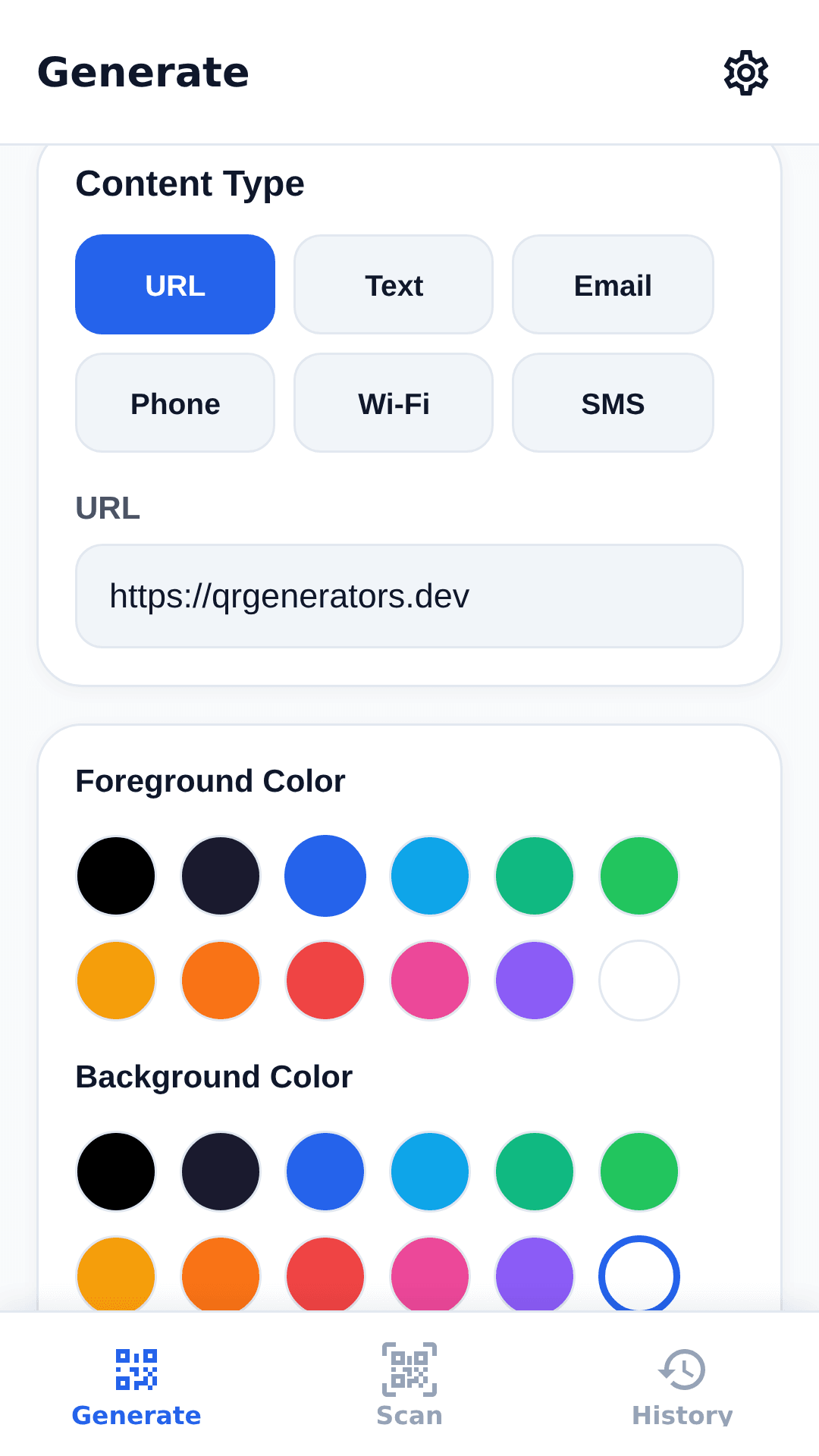
Use a free QR code generator that supports shape customization:
- Select module style (square, rounded, dot, diamond)
- Choose error correction Level M or Q
- Add logo if desired
- Customize colors
Step 2: Add Frame (Optional)
Select a frame style and add a call-to-action.
Step 3: Test
- Print the design at actual size
- Scan with 3+ different phones
- Try scanning from different angles
- If scanning fails, revert to simpler shapes
Key takeaways
- Stick to rounded squares (98.5% reliability) or dot modules (97–99%) with matching rounded finders — the highest style-per-risk ratio.
- Finders are the constraint: the core 1:1:3:1:1 ratio must survive any redesign, so thin finders and removed center elements are the first things to avoid.
- Frames belong outside the quiet zone and work best at 3+ cm print size; CTA frames can lift response if the text tells people what to do.
- Level L error correction plus custom shapes is a fragility trap — use at least M, ideally Q, whenever modules are non-standard.
- Below ~3 cm print size, drop the decoration and go back to standard squares.
Create a custom shape QR code — generate QR codes with rounded modules, custom finders, and brand frames.